Enabling Risk-based URL Filtering
Filter URLs in the Internet Threat Protection (ITP) policy settings in SonicWall Cloud Secure Edge (CSE)
- Last validated: Oct 16, 2026
- 5 minutes to read
-
Contributors

Risk-based URL Filtering Overview
Risk-based URL filtering allows admins to inspect host URLs (i.e., to determine threats associated with URLs and block or allow access accordingly). Admins enable Risk-based URL Filtering on an Internet Threat Protection (ITP) policy in the CSE Command Center.
URL exceptions and explicit URL blocks are no longer configured inside Risk-based URL Filtering. They are configured in the consolidated Domain and URL Bypass and Domain and URL Blocking settings on the ITP policy itself. See Manage Internet Threat Protection (ITP) Policies for the current flow. Existing URL Allowlist and Explicit URL Blocking entries were migrated automatically when the consolidated fields shipped.
Pre-requisites
- mac or Windows device (not available for Linux or Chromebook)
- SIA advanced license
- ITP policy associated with your device
- Desktop app version v3.26.0 or later
- TLS decryption is turned on in the ITP policy’s Assignment progression, via the Enable Advanced Configurations toggle. Risk-based URL Filtering is unavailable when TLS decryption is off.
Steps to Configure Risk-based URL Filtering
Step 1: Open the Blocking tab of an ITP policy
1.1 Navigate from Internet Access > Internet Threat Protection, and select the name of an existing ITP policy.
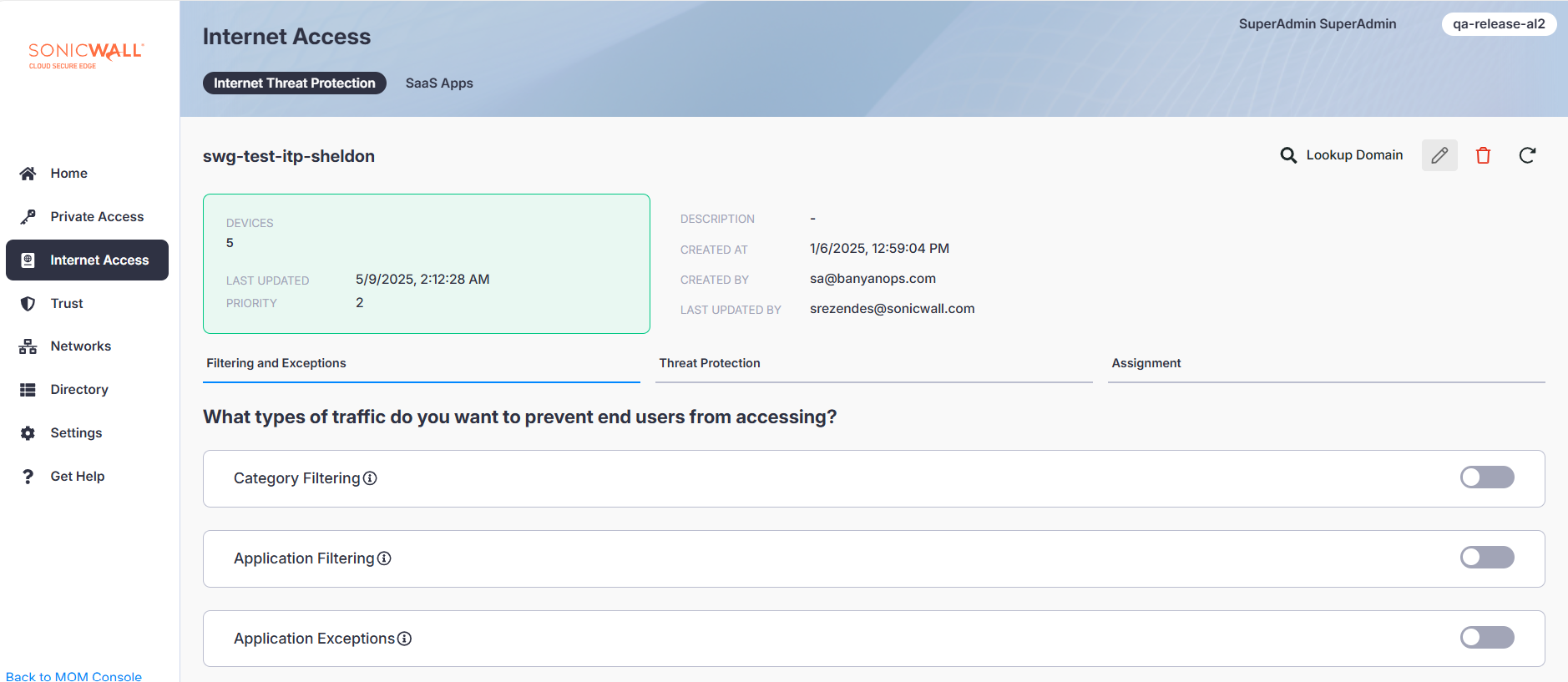
1.2 Select the pencil icon in the top right corner of the policy page to edit the policy.
1.3 Select the Blocking tab.
Step 2: Turn on Risk-based URL Blocking
The Command Center labels this setting Risk-based URL Blocking. It is the same feature this page calls Risk-based URL Filtering.
2.1 Turn on the Risk-based URL Blocking toggle.
Note: Only those URLs which are not already explicitly blocked by Category, Domain, and Application Blocking or enabled Threat Protections will be inspected.
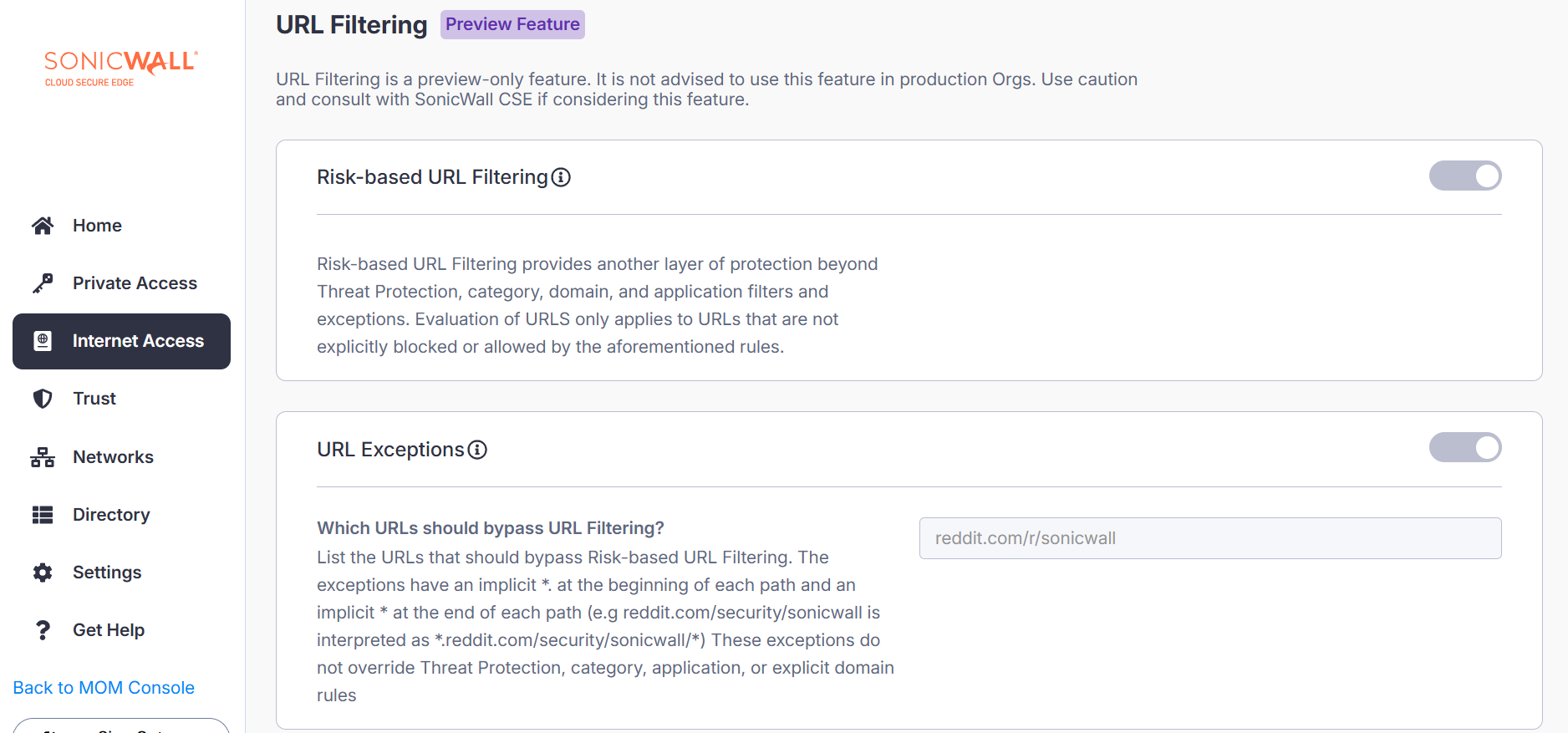
2.2 Select Save.
Step 3: Add bypasses or blocks for specific URLs
URL bypasses and URL blocks are configured on the parent ITP policy in the Domain and URL Bypass and Domain and URL Blocking settings, not inside Risk-based URL Blocking. TLS decryption must be on for URL entries to be enforced.
- To bypass a URL from Risk-based URL Blocking and every other ITP block rule, add the URL to Domain and URL Bypass on the policy’s Bypass tab. See Step 3: Bypass.
- To explicitly block a URL, add the URL to Domain and URL Blocking on the same policy’s Blocking tab. See Step 2: Blocking.
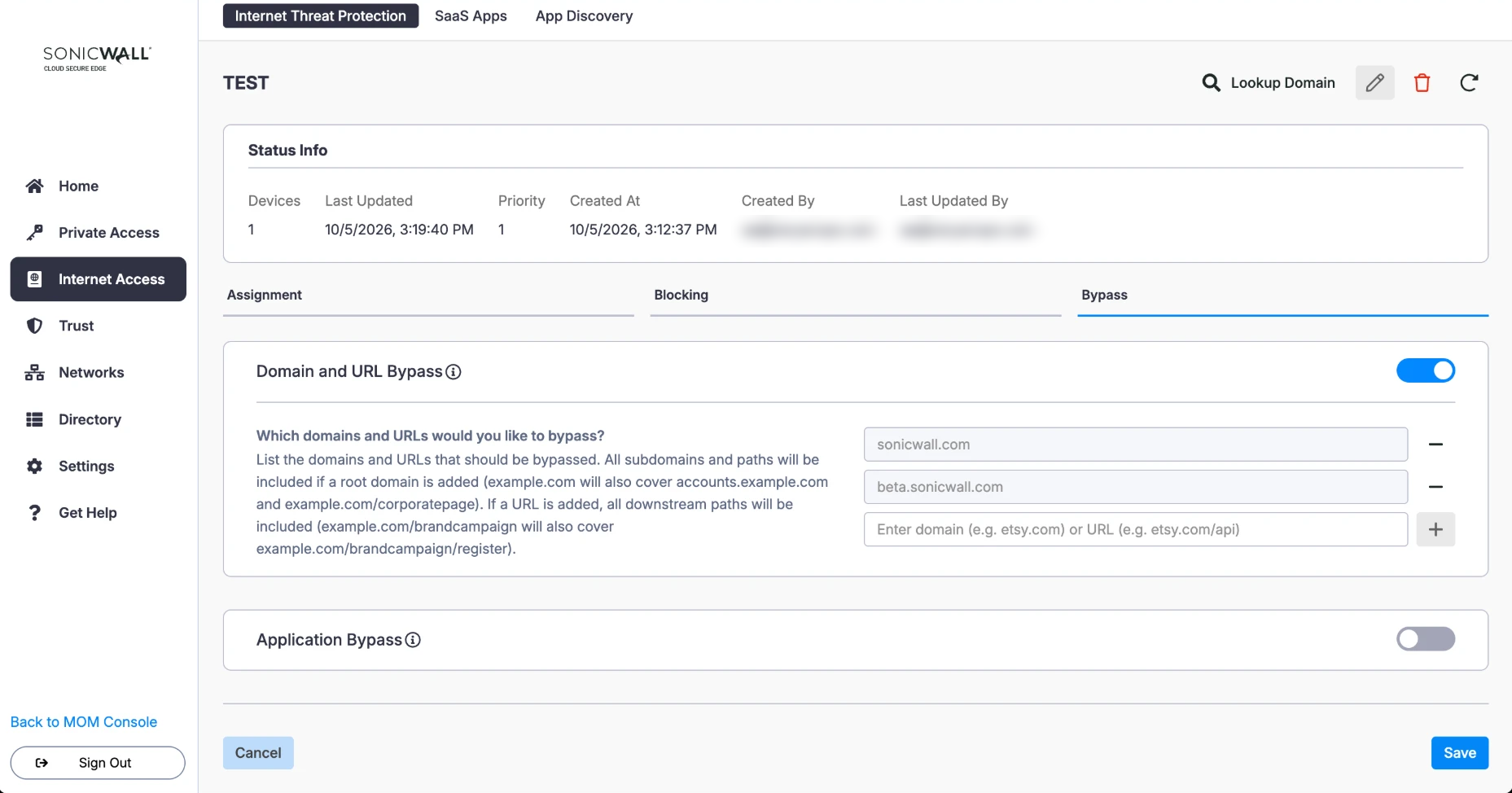
Note: Bypasses are processed before any block rule, including Risk-based URL Blocking. See How ITP rules are processed for the full evaluation order.