CSE Terraform Provider
- Last validated: Jul 15, 2026
- 5 minutes to read
-
Contributors


CSE Terraform Provider Overview
Terraform is an “infrastructure as code” tool that lets users define corporate resources in human-readable configuration files. A Terraform Provider is a plugin that lets users manage external APIs, facilitating Terraform’s communications with various cloud providers, databases, and services.
CSE’s Terraform Provider offers zero-trust code that can securely manage the lifecycle of the following:
Pre-requisites
- Terraform 0.13+ installed on your workstation
- API Key for programmatic access to the CSE Command Center REST APIs
Use CSE Terraform Provider
Step 1: Install Terraform
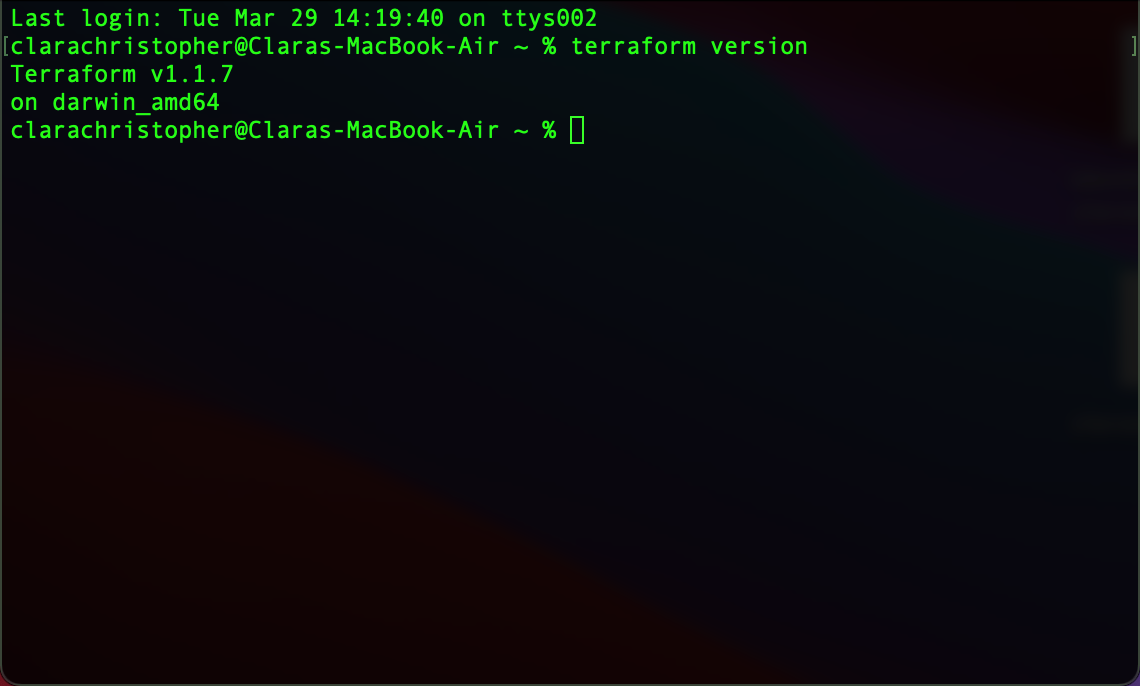
1.1 Install Terraform and check the version:
terraform version
Step 2: Install the CSE Terraform Provider
2.1 In your preferred directory, create a main.tf file using the following command:
vi main.tf
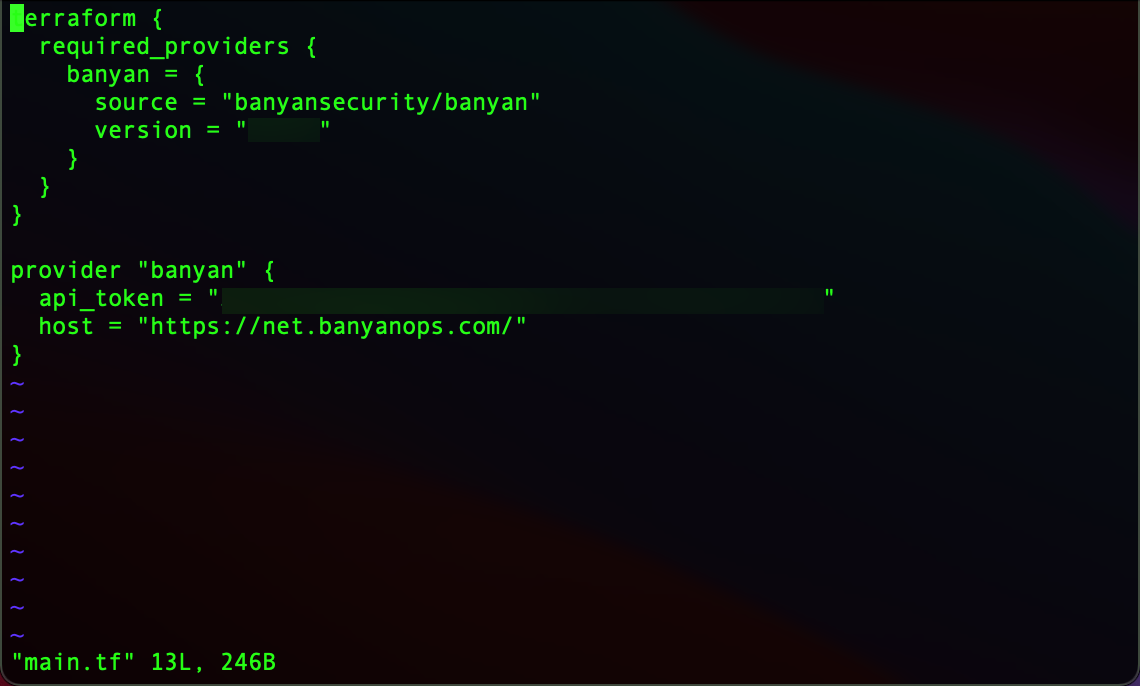
2.2 To install CSE’s Terraform Provider, configure the main.tf file using the code below:
terraform {
  required_providers {
    banyan = {
      source = "banyansecurity/banyan"
      version = "<insert version number>"
    }
  }
}

provider "banyan" {
  api_token = "<banyan-api-token>"
  host = "https://net.banyanops.com/"
}
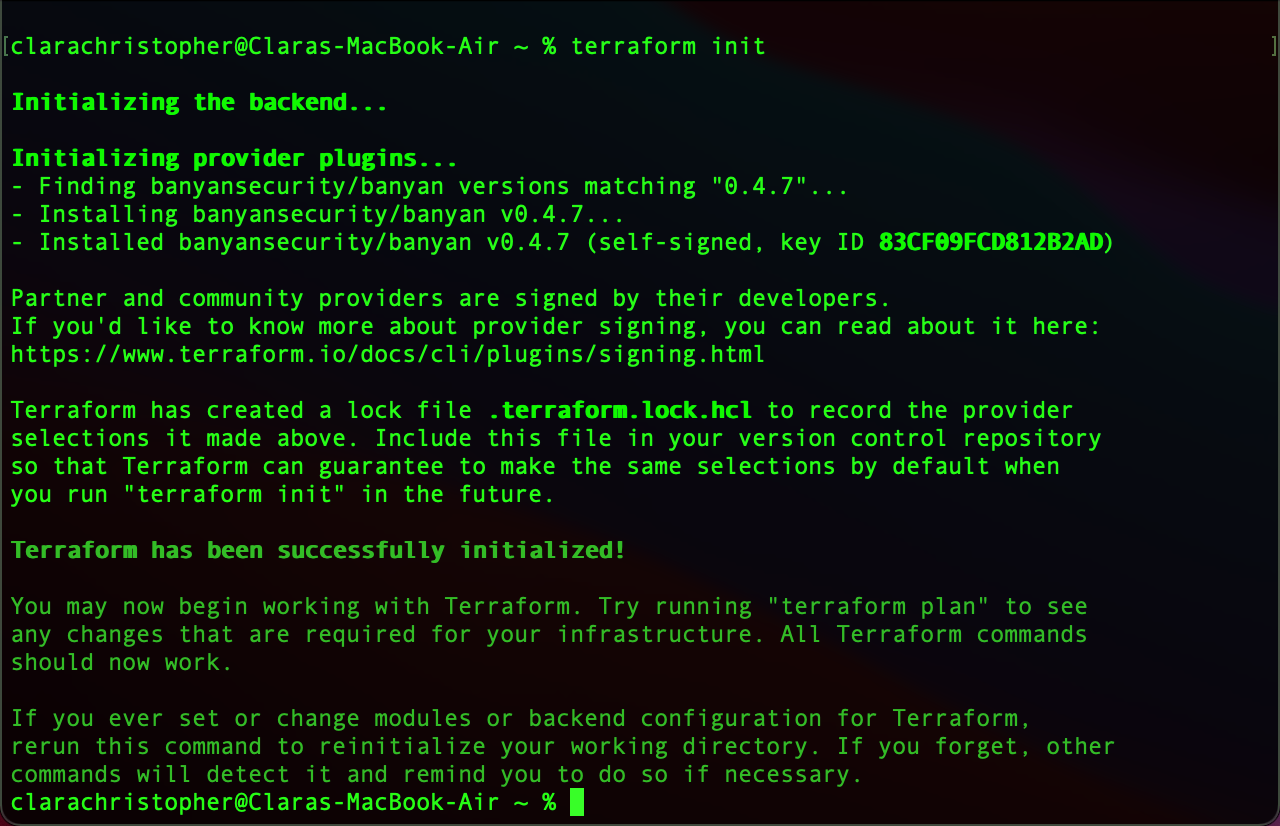
3.2 Once configured, run the following command:
terraform init
This will initialize the backend and generate the following output:
Get Started
To get started with the CSE Terraform Provider, please refer to our documentation via Terraform Registry. If you need to review or customize the provider, you can grab the source code for the module from our open-source Github repo.